Set Your Exam Preferences
Tell Quizovers which exams you're targeting and we'll tailor your entire experience — from your dashboard to every practice question.
Why Setting Preferences Matters
Preferences are the first step to a smarter, more focused preparation experience.
No clutter — only practice sets and mock tests for your selected exams.
Your home screen adapts to show what matters most for your preparation.
Changing your exam goal? Update preferences in seconds from Settings.
Targeted practice leads to faster progress and higher scores.
Set Up Your Preferences in 3 Steps
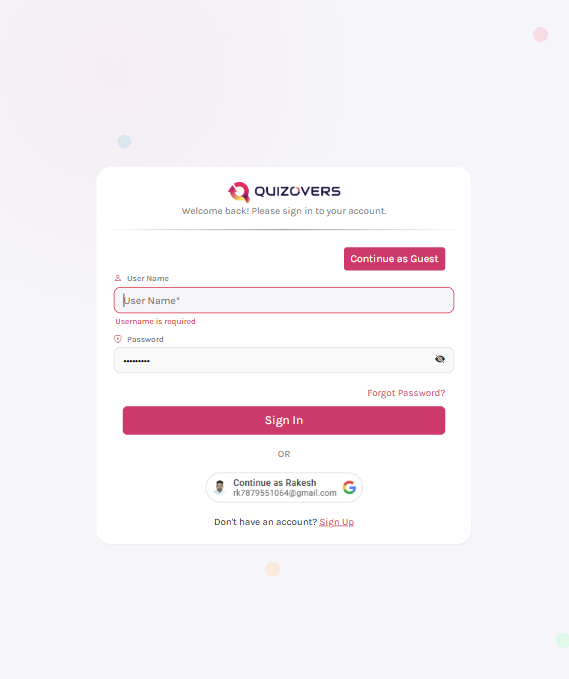
Create or Log In to Your Account
Sign in to your Quizovers account to access personalized practice. New here? Register for free in under a minute — no credit card needed.
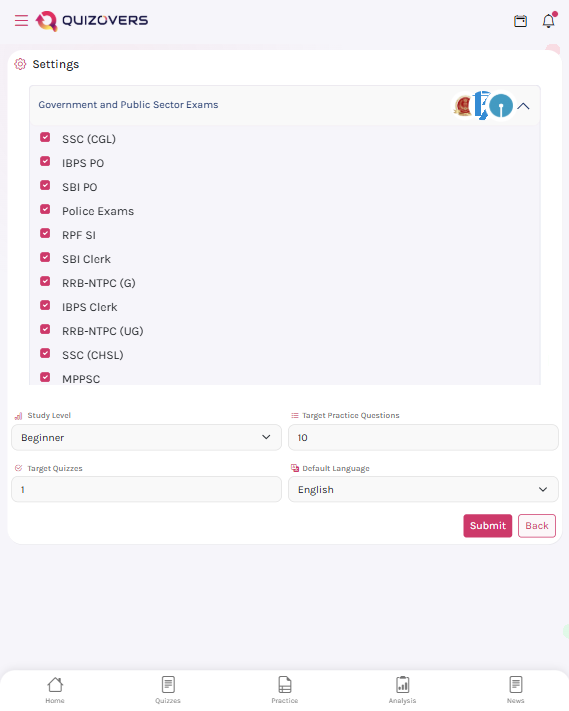
Access Your Preferences
Right after logging in, a popup will appear prompting you to set your exam preferences. You can also access it anytime from the top-left menu (☰) → Settings → Preferences.
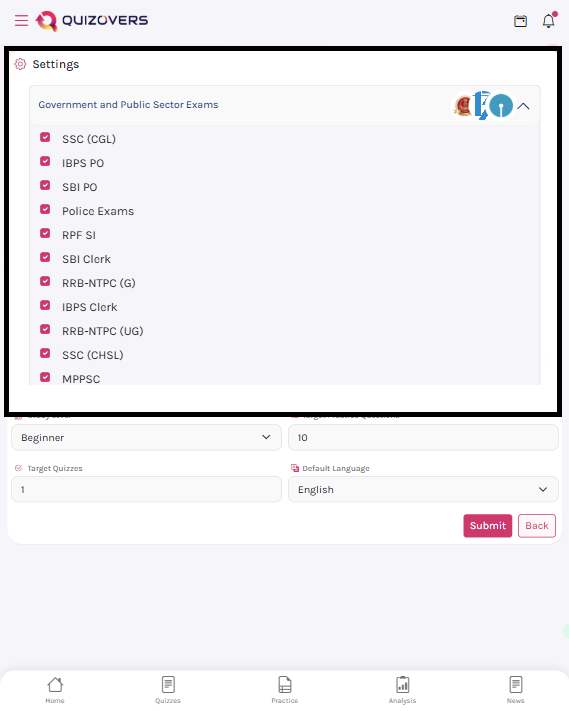
Select the Exams You're Preparing For
Browse through all available exams and check every exam you're targeting. Quizovers will personalise your dashboard, practice sets, and mock tests based only on what you choose.
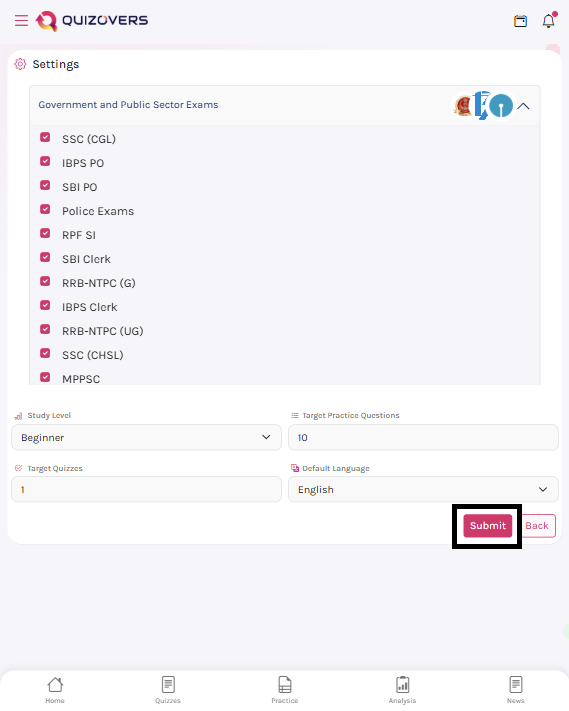
Save and Start Your Personalised Journey
Hit Save and your entire Quizovers experience — from the home feed to practice sessions — will be tailored to your selected exams. You're all set to start practising!